

Game CV (Character Voice) Editing - RX Spectral Editor
2024.08.08·Study·1 min readMUZIUM
Also available in:
English···
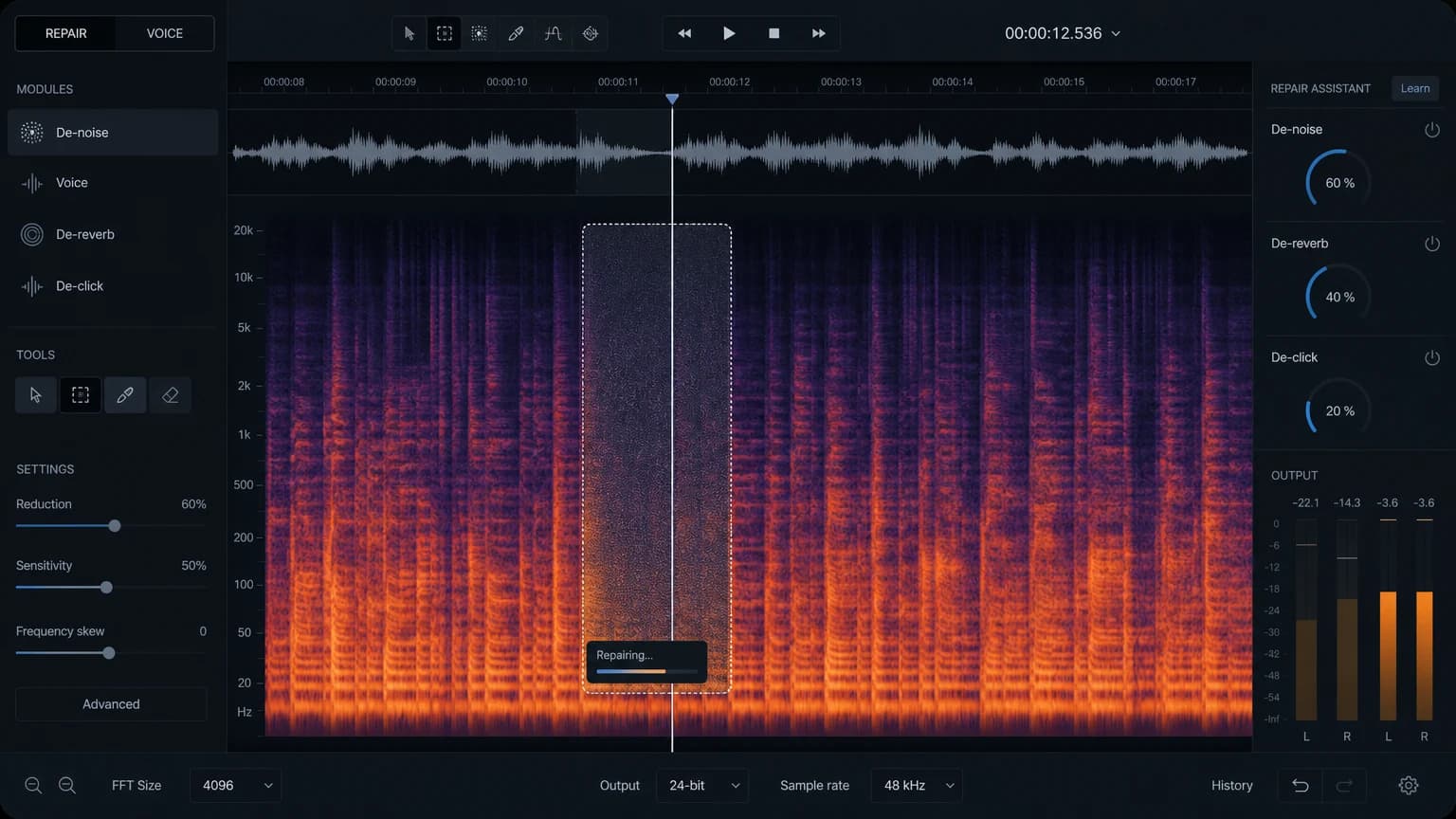
Game CV (Character Voice) Editing - RX Spectral Editor
Today's topic: Noise removal from voice recordings using the RX Spectral Editor
Date written: August 08, 2024
Computer environment used for this write-up
Apple MAC Studio M1 Max, 32GB (2022)
13.6.4 Ventura
Pro Tools Ultimate 2023.06 / iZotope RX 11 Editor
The Mac OS is set to English. Pro Tools is also used in English.
Voice Noise
In truth, the types of noise introduced here are often inaudible as you move down from studio-grade facilities and audio equipment toward consumer-level gear.
They are even less likely to be heard through the speakers of mobile devices.
Even noises loud enough to be noticeable on consumer equipment can usually be eliminated with a light preset in a plugin without much difficulty.
However, I believe these subtle differences do have an impact on overall quality.
This post is not a tutorial — it is meant to demonstrate that game CV editing work is not simply a matter of "cutting clips and labeling them."
In addition to this, a wide variety of processing and volume optimization tasks are carried out as well.
In this voice recording, there are currently three main types of noise to identify.
The first is not entirely certain in its origin — it appears to be either a proximity effect, noise coming from the vocal cords, or the sound of something making contact.
The second is a sound originating from the floor of the recording booth.
The third is the most common: mouth lip noise.
This is the same as the first element from the first video.