Pro Tools Tutorial - Getting Started Lesson 1 - AVID Pro Tools & Versions
2024.04.12·AVID Pro Tools·5 min readMUZIUM
Also available in:
English···
AVID Pro Tools Tutorial - 'Getting Started' Chapter 1
Today's Topic: AVID, Pro Tools, AVID Link
Date Written: March 05, 2024
Computer Environment Used for This Tutorial
Apple MAC Studio M1 Max, 32GB (2022)
13.6.4 Ventura
Pro Tools Ultimate 2024.01
The Mac OS is set to English. Pro Tools will also be covered in English.
Today's topic covers the company AVID, Pro Tools, and AVID Link — which makes it easy to install Pro Tools.

AVID
We tend to think of AVID simply as a large company, but AVID was originally a company with no direct connection to audio software like Pro Tools.
AVID was originally a company that created video editing software — specifically, they developed the world's first non-linear video editing program.
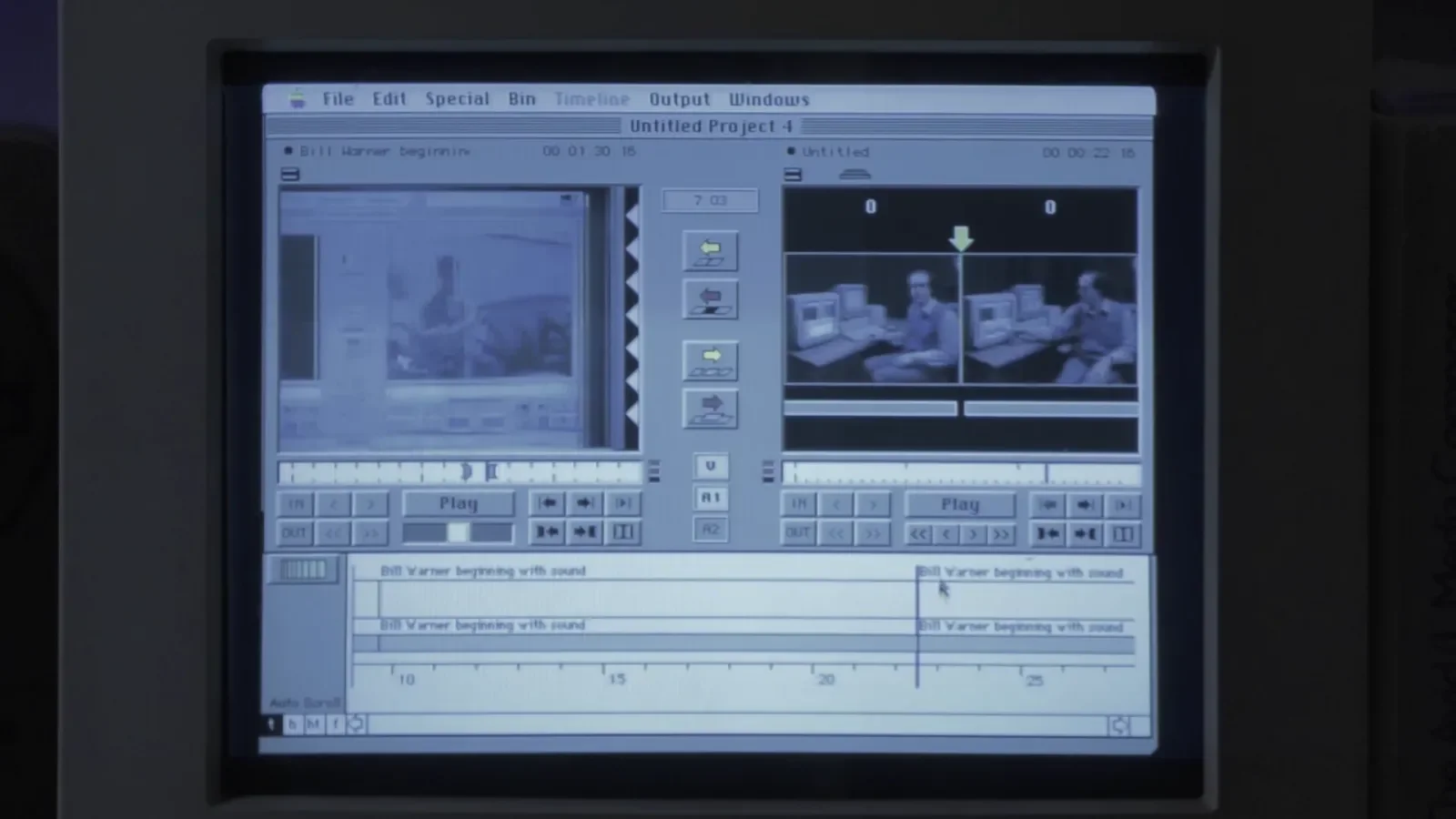
Back in the 1980s and 1990s when the program was being developed, the concept of non-linear editing didn't exist, so all work was done through linear editing.
Linear editing can be understood as the concept of editing sequentially from the beginning. In other words, you could only work on later sections after finishing the earlier parts, and once the beginning was done, it could not be modified unless you started over. (To be precise, work was done by continuously overwriting.)
Non-linear editing, like the programs we use today, allows you to access the original source at any time, create new versions, and work on any part regardless of order.
AVID still has footage of that early program on record.
Starting with this kind of program, AVID grew as a company and eventually acquired DIGI Design — the company that developed Pro Tools as we know it — establishing what is now AVID Pro Tools.
Today, AVID is aggressively expanding its reach across hardware, software, and the media industry. With a certain degree of monopoly, at that..
DIGI Design
DIGI Design was founded in 1984, before AVID, and released Pro Tools in 1991.
For reference, the original Cubase was released in 1989, and Logic Pro in 1993.
It looks somewhat similar to what we have today, doesn't it? Even until a few years ago, running Pro Tools required dedicated hardware and came with an incredibly steep price tag.
Now that computer performance has improved significantly, the need for dedicated hardware is gradually fading. (That said, dedicated hardware still has a major advantage due to DSP.)
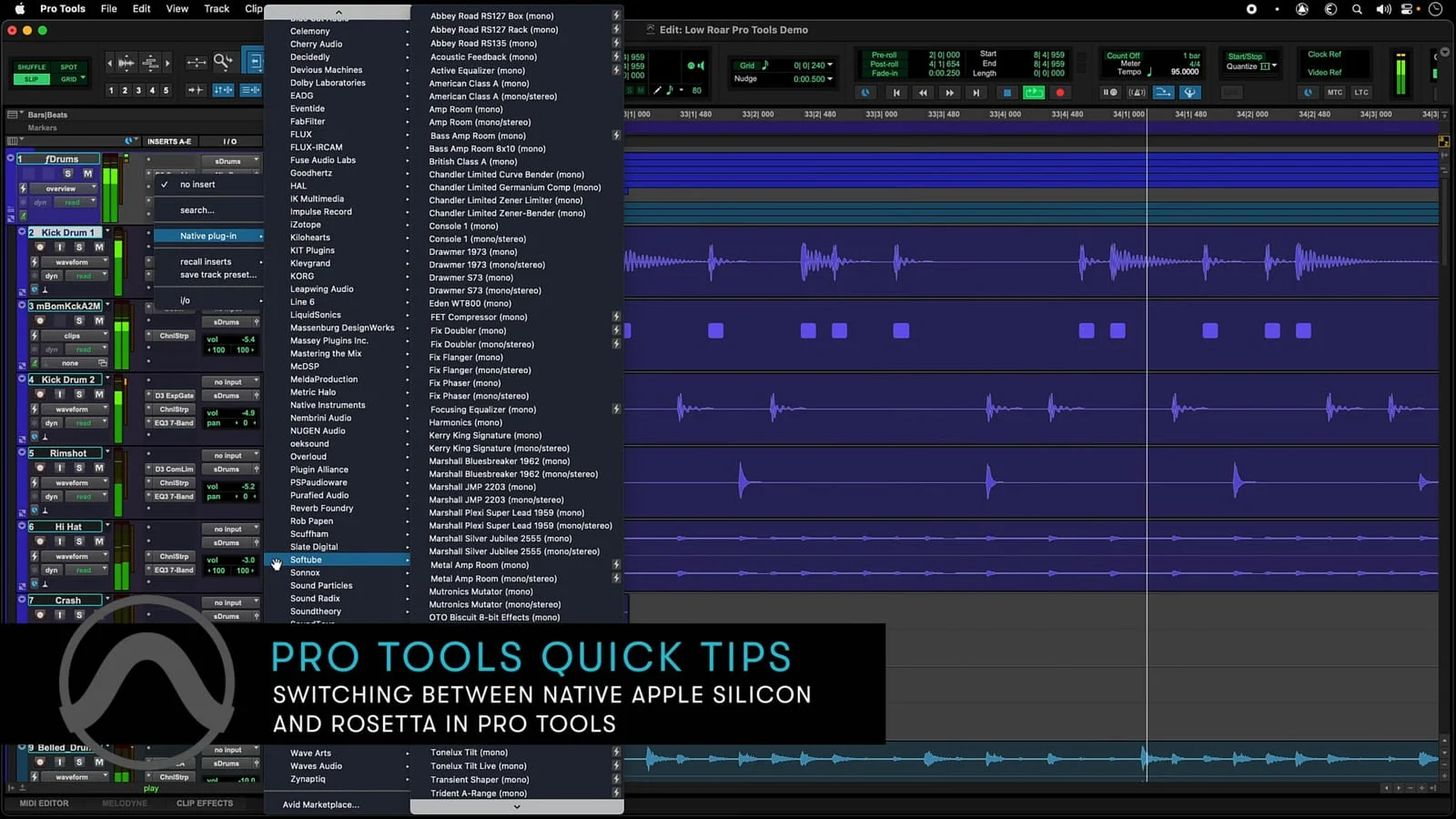
And so, we arrive at Pro Tools — a program with nearly 30 years of history.
Why Should You Use Pro Tools?
Why is it said that working in audio — especially as a recording engineer in a studio rather than as a composer — requires you to use Pro Tools? There are so many DAWs available in 2024, and even free ones at that.
There are many reasons, but the biggest one is simply that large studios and broadcast stations have been using it all along. It has just become the industry standard.
These days, the performance gap between DAWs has narrowed considerably, and there are audio interfaces and software that offer a wealth of features — so in many cases, you can work just fine without Pro Tools, and there are even situations where working in another DAW is more convenient.
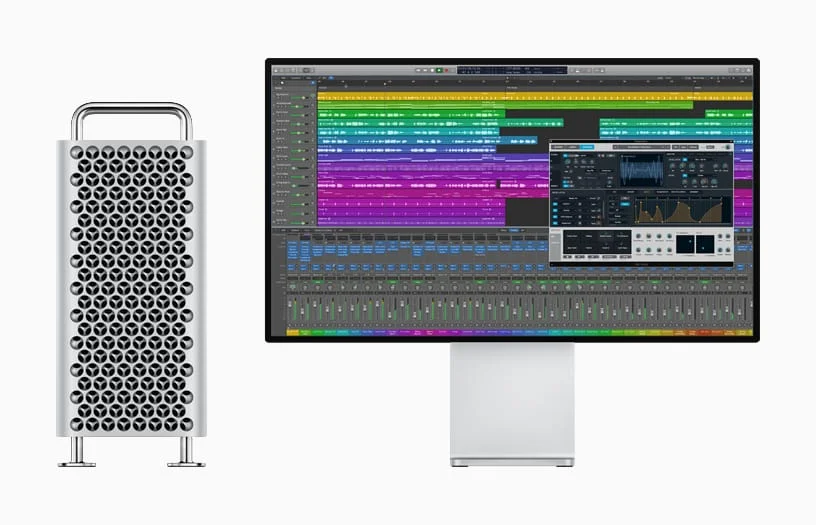
Even today, Pro Tools is used by the majority of recording studios, and public institutions and universities also tend to give preference to Pro Tools professionals.
Personally, I'm not a fan of Pro Tools' licensing policies or pricing, but I use it anyway because there's no real alternative.
Pro Tools Versions
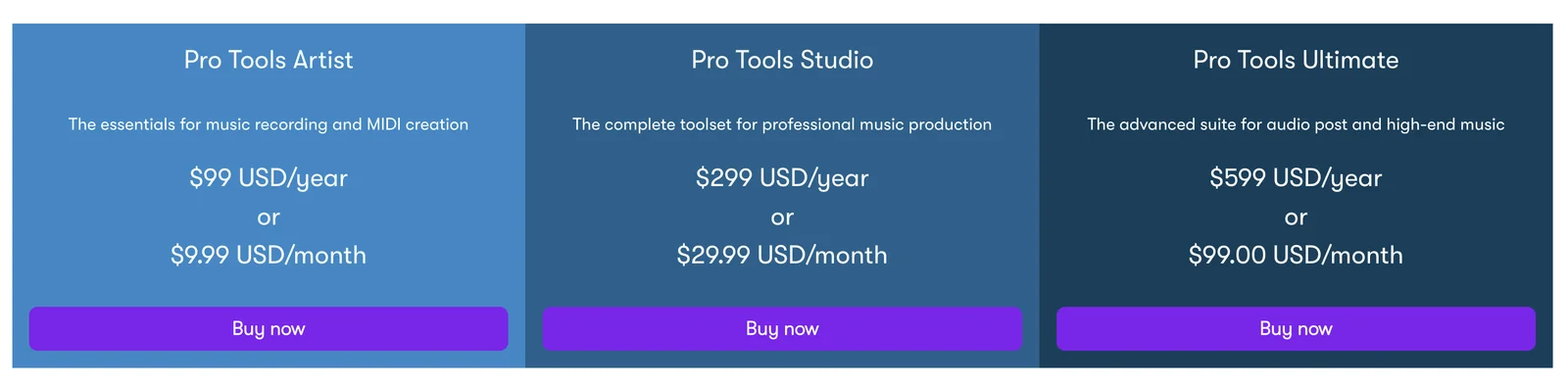
Pro Tools currently comes in four versions. Of these, Pro Tools Intro is the free version.
1 - Pro Tools Intro - Free
- Up to 8 audio tracks
2 - Pro Tools Artist - $99/year (approx. $152 USD equivalent)
- No video tracks (video import not supported)
- Up to 32 audio tracks
3 - Pro Tools Studio - $299/year (approx. $460 USD equivalent)
- 1 video track (multiple video tracks not supported)
- Dolby Surround support
4 - Pro Tools Ultimate - $599/year (approx. $920 USD equivalent)
- Up to 64 video tracks (multiple video tracks supported)
- Dolby Surround support
I've summarized what I consider the most important factors when working. Unless you're simply testing the software, Pro Tools Intro gives you no real reason to use it. (In practice, you simply can't get much done with it.)
Pro Tools Artist seems perfectly usable for hobbyists, light sound design, or basic two-track mixing.
Starting from Pro Tools Studio, you can import video. This is actually the version most people use, and it's more than capable for virtually any workflow.
Pro Tools Ultimate supports a large number of video tracks, multiple simultaneous video tracks, and even video editing. If you do a lot of work on video sound, it becomes an unavoidable choice simply due to the video track count.
So which version should you start with?
Starting with the Studio version is probably your best bet. Given the track count and the ability to import video, it can essentially be considered the baseline DAW.
(Much like how most Cubase users end up on Cubase Pro...)
A few years ago, using Pro Tools required specific hardware, but that's no longer the case. You can even use it with a MacBook's built-in audio card, so hardware compatibility is not something you need to worry too much about.
Closing Thoughts
Today's tutorial was less of a hands-on lesson and more of a brief look at the history of Pro Tools and the different versions available.
In the next tutorial, we'll go over how to download and install Pro Tools.