

Game CV Editing in Pro Tools
2024.11.11·AVID Pro Tools·2 min readMUZIUM
Also available in:
English···
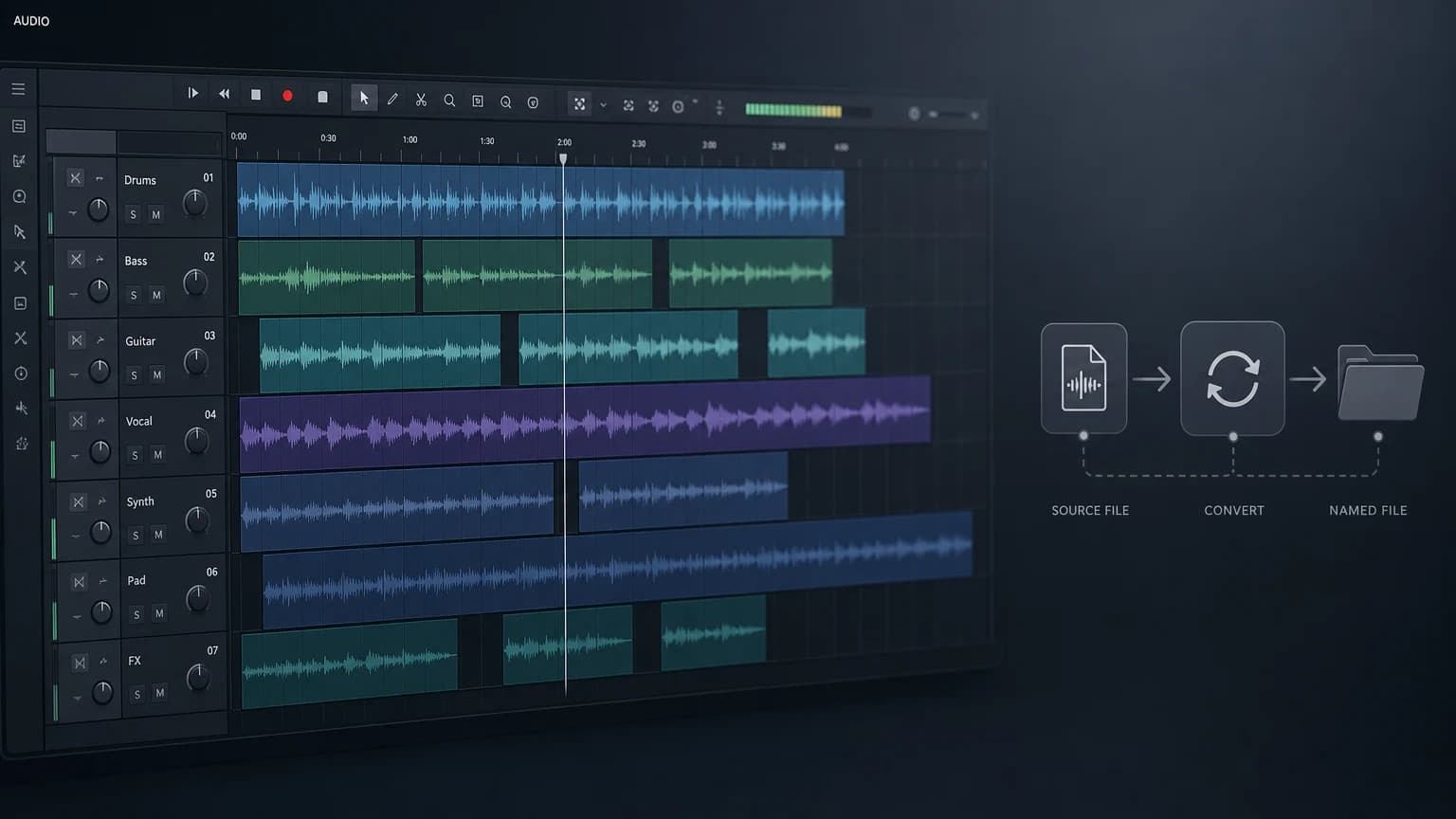
Game CV Editing in Pro Tools
Today's topic: Game CV Editing in Pro Tools
Article written: November 11, 2024
Computer environment used for this tutorial
Apple MAC Studio M1 Max, 32GB (2022)
14.6.1 Sonoma
Pro Tools Ultimate 2023.10 / iZotope RX 11 Editor
The Mac OS is set to English. Pro Tools is also used in English.
Game CV (Character Voice) Editing
This is a video on game CV editing using Pro Tools (2024.10), iZotope RX 11, and Soundflow.
Unfortunately and as a matter of course, no audio is provided due to concerns such as data leakage.
I spent a great deal of time thinking about how to streamline the editing process as much as possible, because once files leave the DAW and have to come back in, it turns out to be far more cumbersome and time-consuming than expected.
Before the main editing session, I go through several AudioSuite processing steps as a first pass, then move into editing.
Once editing is complete, I run the tracks through a Commit process for plugin rendering, do a temporary file name cleanup, and then proceed with Export Clip.
After that, I use A Better Finder Name 12, Excel, and text files in Finder to finalize the file names as required by the client before delivery.
The workflow — Recording → AudioSuite → Edit → Render → Rename — is designed so that files never need to be reopened in the DAW or a separate audio application.
Even with this streamlined process in place, if additional de-noising becomes necessary (such as controlling white noise generated at the microphone or preamp stage), it still seems more convenient to handle it after all the file work in Pro Tools is done — since you ultimately need to listen to the final output before making that call.