
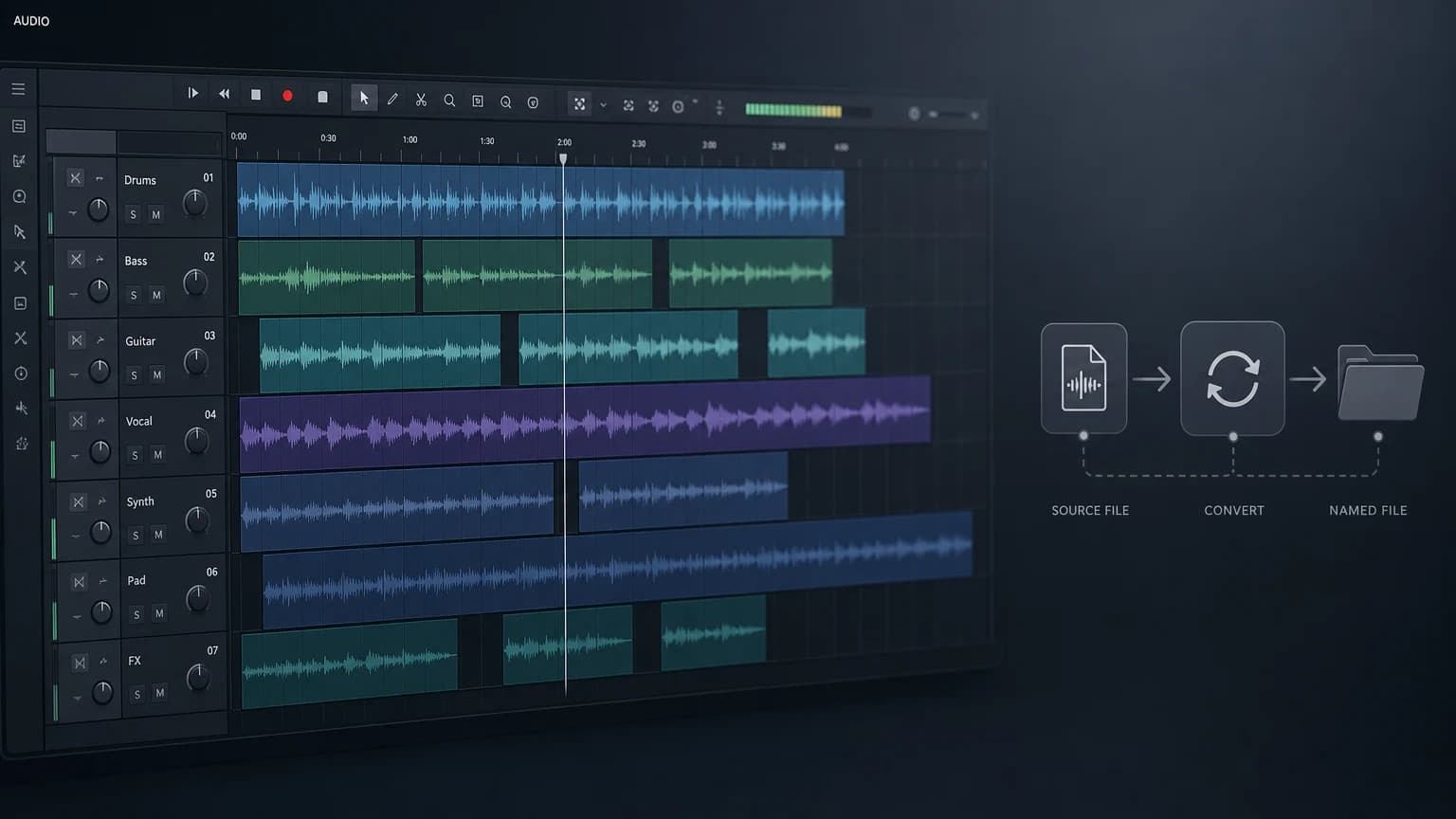
Game CV Editing in Pro Tools
2024.11.11·AVID Pro ToolsA video walkthrough of Game CV (Character Voice) editing using Pro Tools, iZotope RX 11, and Soundflow—from recording to AudioSuite, rendering, and file renaming, all without leaving the DAW.
A video walkthrough of Game CV (Character Voice) editing using Pro Tools, iZotope RX 11, and Soundflow—from recording to AudioSuite, rendering, and file renaming, all without leaving the DAW.

Covers the cause and fix for clips unintentionally consolidating during Pro Tools Track Commit. The -144dB internal threshold and plugin noise floor differences are the root causes, with 4 solutions including Gate plugin usage. A must-read for game VO batch editors.

A complete guide to Pro Tools Preferences, Part 1. Covers the Display tab (Tool Tips, Plugin sorting, UI Theme), Operation tab (Transport, Record, Video), and Edit tab (Clip, Fade, Tracks, Memory Location, Zoom Toggle).

A detailed guide to Pro Tools Playback Engine and Hardware settings, covering audio interface selection, buffer size, Dynamic Plug-in Processing, cache size, and DSP tips for Pro Tools Carbon users.

A detailed guide to the iLok license system essential for Pro Tools. Covers what iLok is, USB dongle vs. cloud authorization, pros and cons of each, interface usage, and ZDT (Zero Downtime) license protection.

A step-by-step guide to downloading and installing Pro Tools. Covers the AVID website download process, license verification in My Account, and using AVID Link for easy installation and updates. All versions share one installer — your license determines the version.

The first lesson in a Pro Tools tutorial series. Covers the history of AVID and DIGI Design, why Pro Tools became the industry standard, and a comparison of Intro, Artist, Studio, and Ultimate versions.

A complete curriculum guide for AVID Pro Tools — 55 lessons covering Pro Tools features, Audio Editing, and Recording. Structured from beginner to advanced levels, including real-world recording practice.