

Wuthering Waves x GS25 – Collab Shorts Dubbing Behind the Scenes
2025.12.31·GamesWuthering Waves x GS25 collab for the 2nd year in a row! MUZIUM reveals the behind-the-scenes dubbing process that perfectly captured each character's tone and manner.

Wuthering Waves x GS25 collab for the 2nd year in a row! MUZIUM reveals the behind-the-scenes dubbing process that perfectly captured each character's tone and manner.
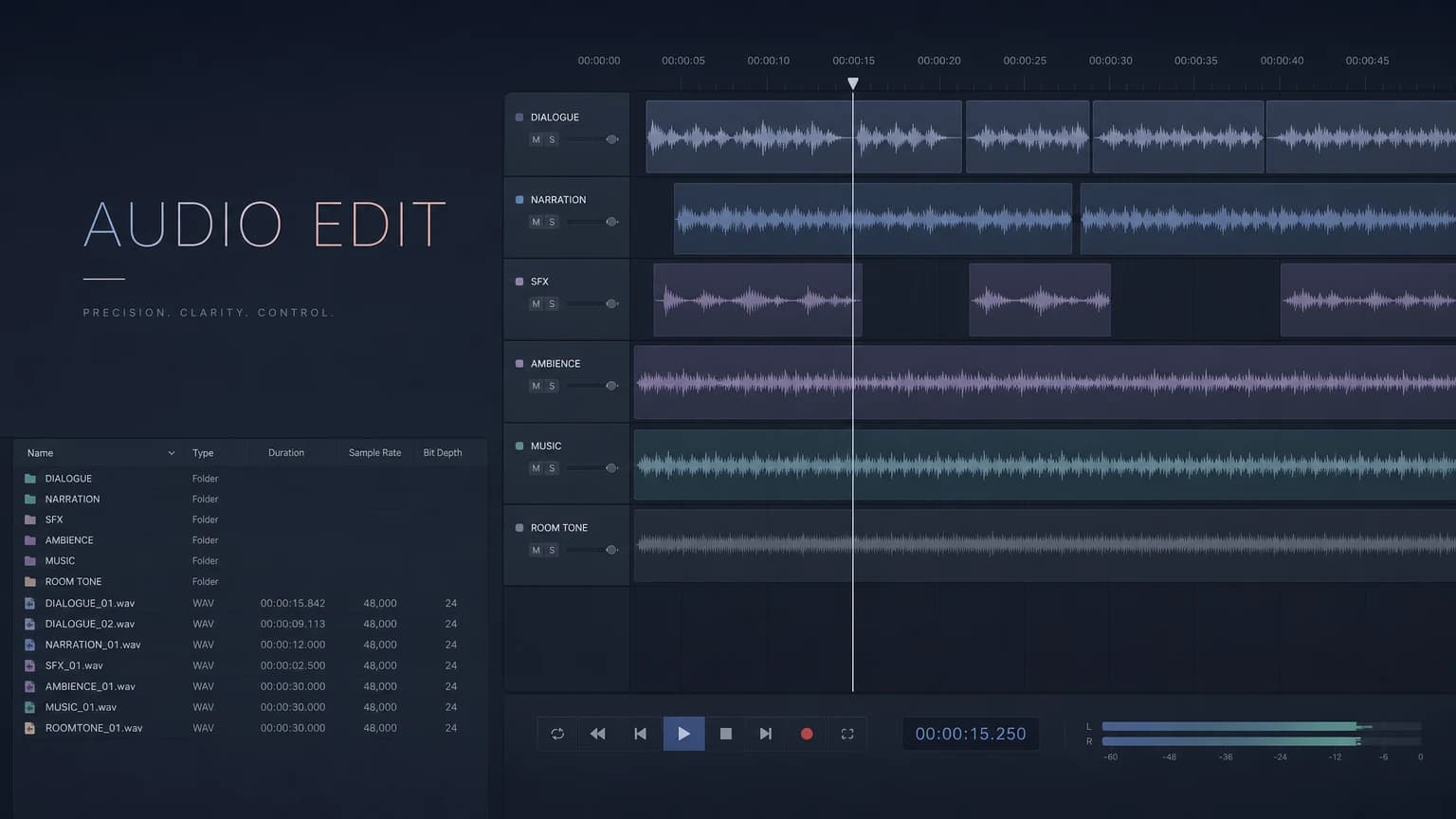
A CV editing breakdown for Darakbang Friends' visual novel 계약x연애. ~4,500 total files edited with Pro Tools 2024.12 & iZotope RX 11, covering workflow setup, script management, macros, and collaboration tools.
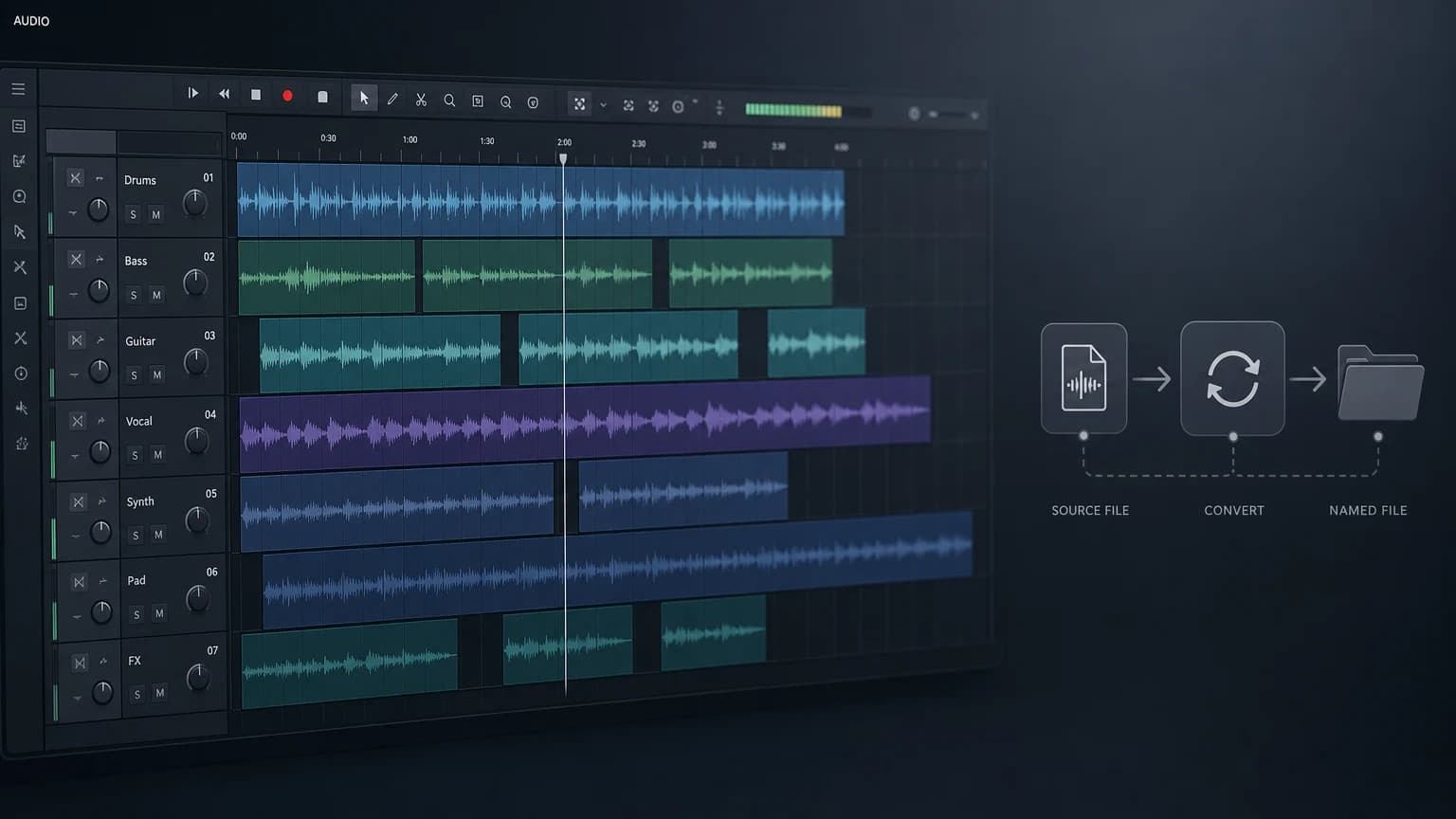
A video walkthrough of Game CV (Character Voice) editing using Pro Tools, iZotope RX 11, and Soundflow—from recording to AudioSuite, rendering, and file renaming, all without leaving the DAW.
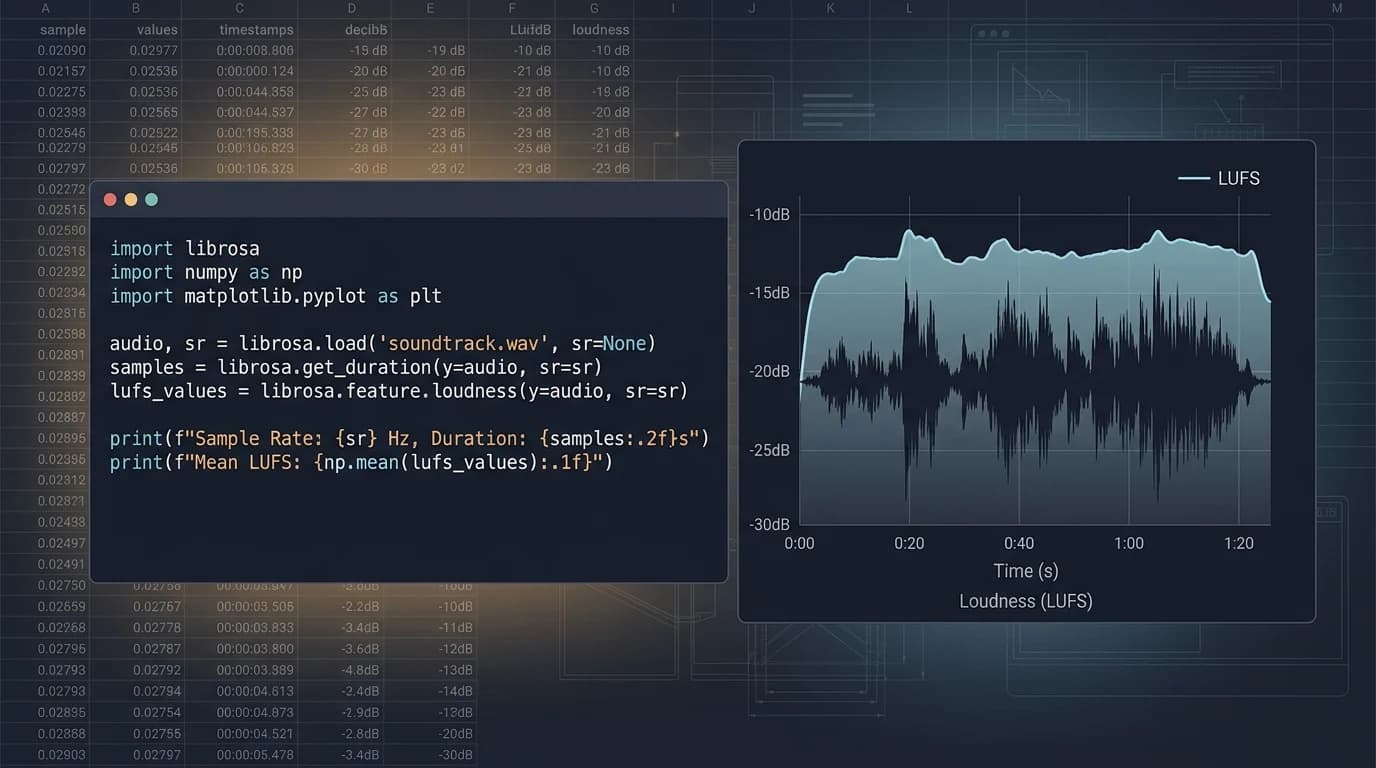
A Python batch script for LUFS analysis across large audio collections. Exports per-folder average LUFS, Sample Rate, Bit Depth, and Peak Level to Excel. Includes practical volume management tips for game voice-over work.

Covers the cause and fix for clips unintentionally consolidating during Pro Tools Track Commit. The -144dB internal threshold and plugin noise floor differences are the root causes, with 4 solutions including Gate plugin usage. A must-read for game VO batch editors.
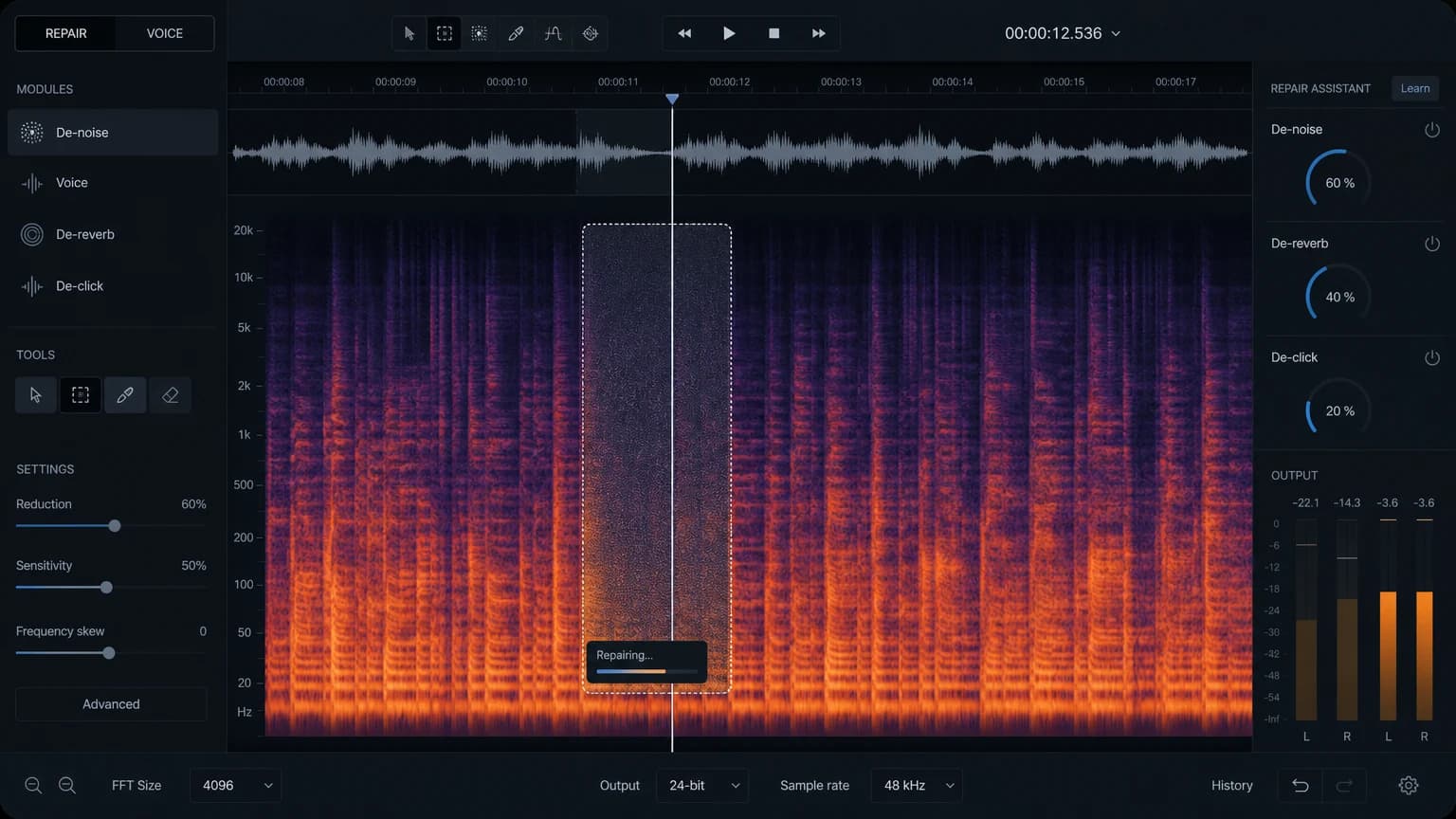
Learn how to remove noise from game character voice (CV) recordings using iZotope RX Spectral Editor, covering proximity effect, floor noise, mouth lip noise, and professional spectral editing techniques.

A deep dive into Cubase's 10 track types (Audio, Instrument, Sampler, MIDI, etc.) with a focus on Audio Tracks. Covers Inspector options including Routing, Track Control, Mixer, EQ, Inserts, Sends, Automation, Record Enable, Monitor, and Show Lane.

A complete guide to Pro Tools Preferences, Part 1. Covers the Display tab (Tool Tips, Plugin sorting, UI Theme), Operation tab (Transport, Record, Video), and Edit tab (Clip, Fade, Tracks, Memory Location, Zoom Toggle).

A detailed guide to Pro Tools Playback Engine and Hardware settings, covering audio interface selection, buffer size, Dynamic Plug-in Processing, cache size, and DSP tips for Pro Tools Carbon users.

A step-by-step guide to building your own Cubase template. Learn to set up Ruler and Marker Tracks visually, pin tracks with Divide Track List, and save and load templates from the Hub to streamline every new project.